

You have a payment to make, the amount is sizable, and you want to know one thing before you hit send: will this RBC Interac e-Transfer actually go through? Maybe it’s rent, a private car purchase, a deposit, or money owed to a family member. The last thing you want is for the transfer to bounce against a limit you didn’t know existed.
Most people assume an e-Transfer can move whatever amount they type in. It cannot. RBC, like every Canadian bank, caps how much you can send, and the cap is lower than many people expect.
The good part is that the rules are straightforward once you know them, and there are clear options when your amount is larger than RBC allows.
This guide breaks down RBC’s current send and receive limits, why the bank sets them, how to adjust them, and what to do when you need to move an amount that an e-Transfer was never built to handle.
What is the RBC Interac e-Transfer limit?
RBC states that all clients can send up to $10,000 per day through the RBC Mobile app once they’ve verified their identity. The bank also notes that this Interac e-Transfer limit cannot be increased or decreased, which sets RBC apart from banks that let you raise the cap on request.
A few important details sit alongside that headline number. RBC categorizes e-Transfers under “Third Party Payments,” a separate limit from your debit card purchases, so changing one does not affect the other. You also get up to 999 free Interac e-Transfer transactions per month from a personal chequing account, and each transfer above that costs $1.
Don't Waste Money With Banks.
Get Exchange Rates Up to 2% Better With KnightsbridgeFX
Daily send limit
For most personal clients, the daily ceiling is the one that matters. RBC publishes a daily send limit of up to $10,000 through the RBC Mobile app after identity verification. Your in-app number is the one to trust, since RBC assigns limits based on account type, history, and identity verification.
Daily limits reset each day. If you’re close to your cap, waiting for the reset gives you a fresh allowance the next day. The exact reset time is set by the bank, so check your own banking if the timing matters for a same-day payment.
Weekly and monthly (rolling) limits
RBC does not publish separate weekly or monthly dollar caps for personal accounts the way some smaller institutions do. The practical constraint is the daily send limit combined with the 999 free transfers per month.
That means the question for most senders is not “how much per month,” but “how many days will it take to move this amount within my daily limit.” For a transfer larger than your daily cap, splitting it across consecutive days is a common workaround for non-urgent payments. If you want the bigger picture across banks, our guide to how much you can e-Transfer lays out how the limits compare.
Receiving limits
Receiving works differently from sending. There’s no practical dollar cap on how much you can receive by Interac e-Transfer at RBC, in the way there is on sending, and receiving e-Transfers is free.
Two timing rules are worth knowing. An Interac e-Transfer expires 30 days after it is sent if the recipient has not accepted it, after which the funds return to the sender. Setting up Autodeposit on your RBC account means incoming transfers land automatically, with no security question to answer and no link to click.
Why RBC sets e-Transfer limits
The caps are about security, not inconvenience. A daily limit is one of the simplest defences a bank has against fraud. If someone gains access to your account, a sending cap limits how much they can move before the activity is caught.
Limits also support anti-money-laundering rules, which require banks to monitor and flag unusual transaction patterns. A predictable ceiling makes irregular activity easier to spot. The trade-off is real: the same cap that protects you also gets in the way when you have a legitimate large payment to make. That tension is exactly why the alternatives further down matter.
Can you increase your RBC e-Transfer limit?
Here is the catch with RBC specifically. The bank’s published position is that the Interac e-Transfer limit cannot be increased or decreased once you have verified your identity to unlock the full daily cap. That is different from TD or Scotiabank, where you can call to request a higher limit.
You can still adjust other daily transaction limits (debit purchases, ATM withdrawals) inside online banking, and verifying your identity in the RBC Mobile app is what unlocks the full e-Transfer allowance in the first place. If you have not completed verification, that is the first step. Beyond that, the e-Transfer cap itself is fixed, which means the realistic path to moving more is a different method, not a higher limit.
Increasing the limit in the RBC mobile app
To check or adjust your daily transaction limits in the app:
- Sign in to the RBC Mobile app.
- Open account details and select Daily Transaction Limits.
- Review the limits shown for each transaction type.
- Complete identity verification if prompted, which unlocks the full e-Transfer daily allowance.
The e-Transfer cap itself will display here, but RBC does not allow you to raise it above the standard ceiling.
Increasing the limit through online banking
The online banking path mirrors the app:
- Sign in to RBC Online Banking and go to the Account Summary screen.
- Under Account Management, select Daily Transaction Limits.
- Click Edit Limits to adjust the limits RBC allows you to change.
- Confirm your changes.
For anything RBC will not adjust online, you can call 1-800-769-2511. For e-Transfers specifically, expect the cap to stay fixed, which is the cue to consider one of the options below.
What to do when you need to send more than the e-Transfer limit
When your payment is larger than the e-Transfer cap allows, you have a few realistic options:
- Split the transfer across days. For non-urgent payments to the same person, send up to your daily limit today and the rest tomorrow. Workable, but slow. If you are moving money to another bank in your own name, this is often the simplest path.
- Use an RBC wire transfer. A domestic wire handles much larger amounts in a single transaction. RBC’s outgoing wire fee starts at around $45, and a domestic wire can settle the same business day when sent before the cutoff. Note that RBC personal wire transfers are generally arranged in branch rather than fully self-served online, so build in time for that.
- Use RBC’s International Money Transfer service for cross-border payments. Interac e-Transfer only works between Canadian accounts, so anything going abroad needs a different route.
- Use a specialist foreign exchange provider for currency or cross-border transfers. When your large transfer is really a currency exchange, a specialist beats both the e-Transfer cap and the bank’s exchange rate.
That last option deserves a closer look because it solves a problem the others do not.
Sending larger amounts without the bank markup
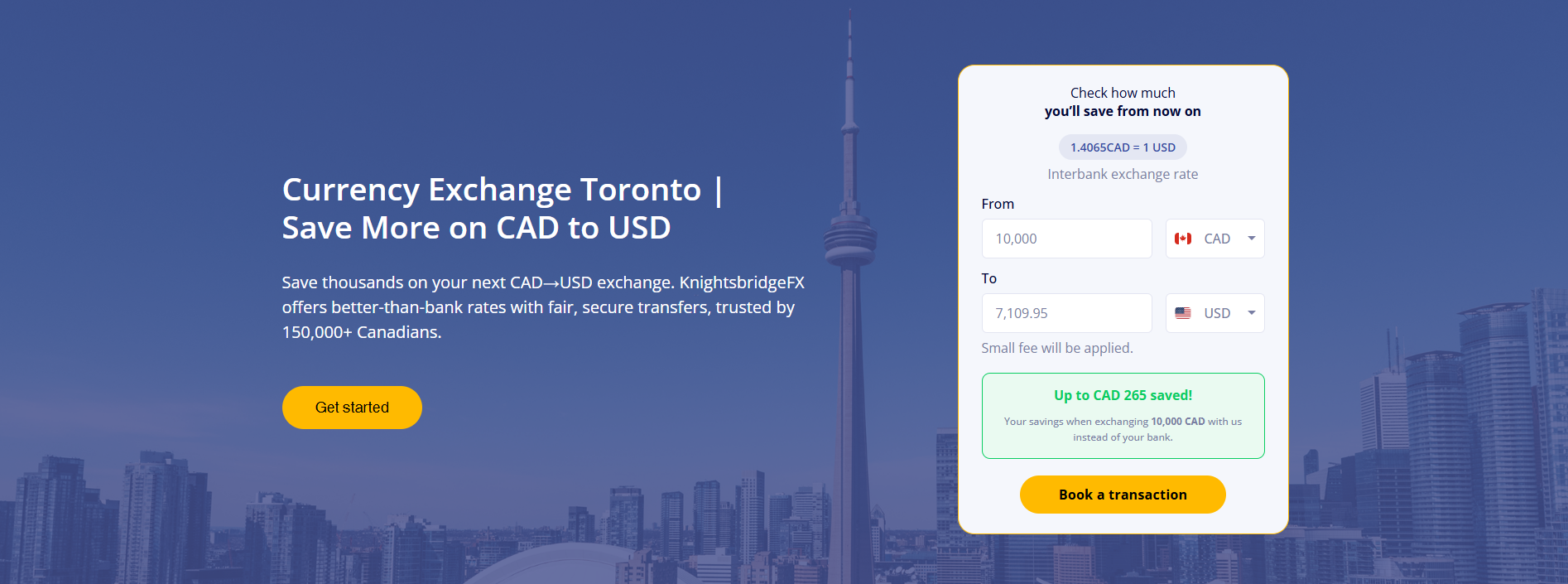
An e-Transfer is built for everyday amounts inside Canada. The moment your transfer is large or involves converting Canadian dollars (CAD) into another currency such as United States dollars (USD), the cost that matters stops being the limit and becomes the exchange rate.
Banks build a margin into the exchange rates they offer, often 2% to 3% above the mid-market rate, the benchmark rate you see on Google or the news. On a $50,000 USD transfer, a 3% markup is $1,500 in cost you never see as a line item. That is the hidden fee that catches people off guard, and it dwarfs any wire fee.
This is where a Canadian specialist changes the math. KnightsbridgeFX is a Canadian company, founded in Canada more than 15 years ago, that exchanges currency at rates well below what the big banks offer, with no e-Transfer cap and no hidden markup baked into the rate. For a cross-border payment or a large currency exchange, you move the full amount in one transaction and keep the 2% to 3% that the bank would have taken.
If your goal is simply moving Canadian dollars to another person in Canada, an e-Transfer or a domestic wire does the job. But if your transfer crosses into another currency, the exchange rate is the real cost, and that is the number worth shopping. Comparing your bank’s quote against RBC’s published rates and a specialist’s rate often reveals a gap large enough to fund a vacation.
Stop letting the exchange rate cost you more than the limit
The e-Transfer limit is the wall you notice. The exchange rate markup is the cost you do not. For everyday transfers between Canadian accounts, RBC’s e-Transfer does exactly what it should. For a large or cross-border transfer, the smarter move is to sidestep both the cap and the markup at the same time.
KnightsbridgeFX is registered with FINTRAC, holds an A+ rating with the Better Business Bureau, and was featured on CBC’s Dragons’ Den, where it received offers from multiple Dragons. More than 150,000 customers use it to beat bank rates, with real people available by phone, email, and chat. Your funds are held in segregated client accounts at a major Canadian bank.
Sending a large amount that crosses currencies? Open a free KnightsbridgeFX account to move money across borders at rates that beat RBC, with no e-Transfer cap and no hidden markup.
Frequently asked questions about RBC e-Transfer limits
Can I send $10,000 by Interac e-Transfer with RBC?
In most cases, yes. RBC states that all clients can send up to $10,000 per day through the RBC Mobile app once they have verified their identity. Keep in mind that your own limit can differ based on your account type and history, so confirm the figure in your online banking before relying on it.
Is there a limit on how much I can receive by e-Transfer at RBC?
Receiving is far more open than sending, and there is no practical dollar cap on incoming e-Transfers the way there is on outgoing ones. Receiving is also free. The main rules are timing-based: an unaccepted transfer expires after 30 days and returns to the sender, and turning on Autodeposit means incoming funds land automatically without a security question.
How long does it take to increase my RBC e-Transfer limit?
For RBC, the answer is unusual: the e-Transfer cap generally cannot be raised at all, because RBC’s position is that the limit is fixed once your identity is verified. Verifying your identity in the app, which unlocks the full daily allowance, takes only a few minutes. If you regularly need to send more than the cap allows, the faster fix is a different method, such as a wire transfer or a specialist provider, rather than waiting on a limit increase.

 AUD
AUD CAD
CAD EUR
EUR GBP
GBP NZD
NZD USD
USD
